
Maaser Tracker
Track income, maaser and tzedaka in one place, and always know what you owe or how far ahead you are.
Get it from Microsoft StoreTrack income, maaser and tzedaka in one place, and always know what you owe or how far ahead you are.
Get it from Microsoft Store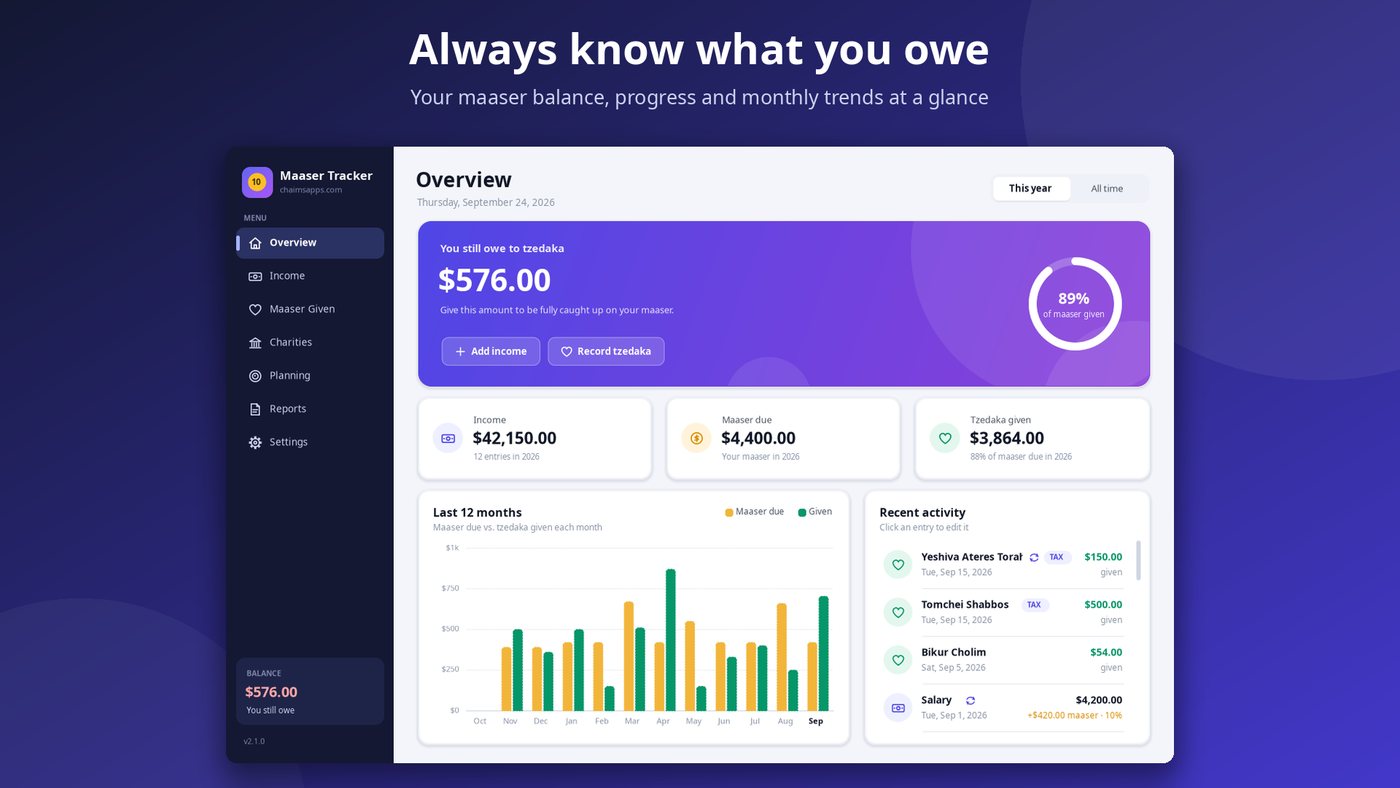
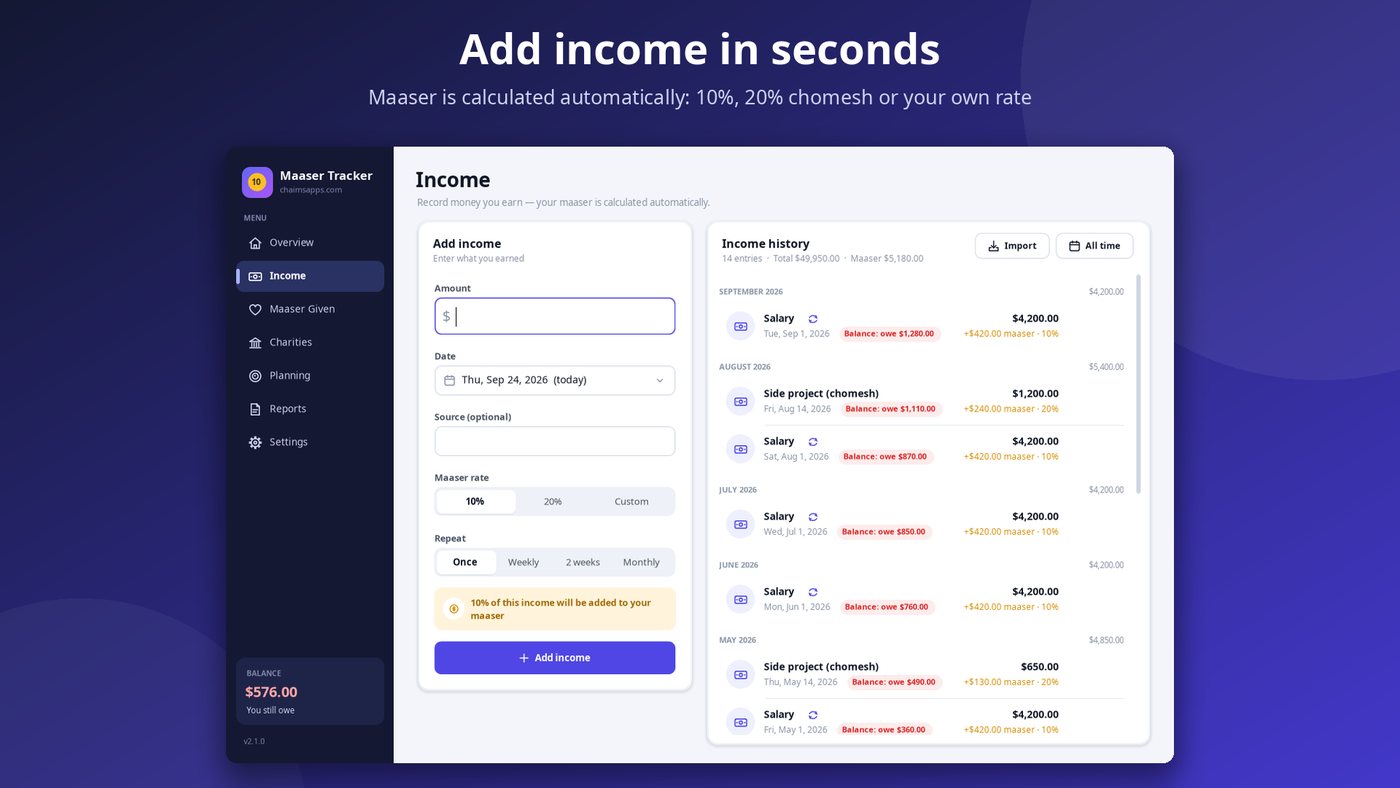
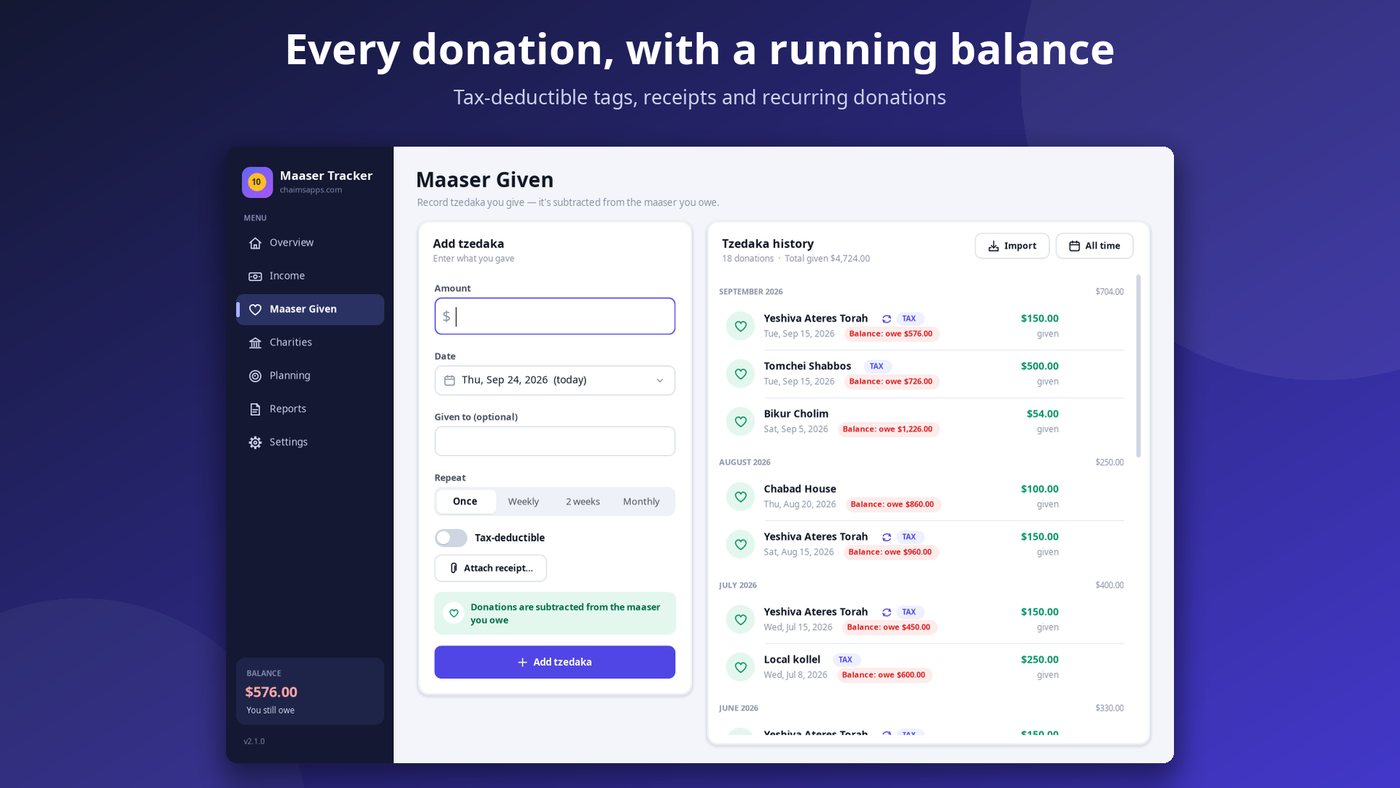
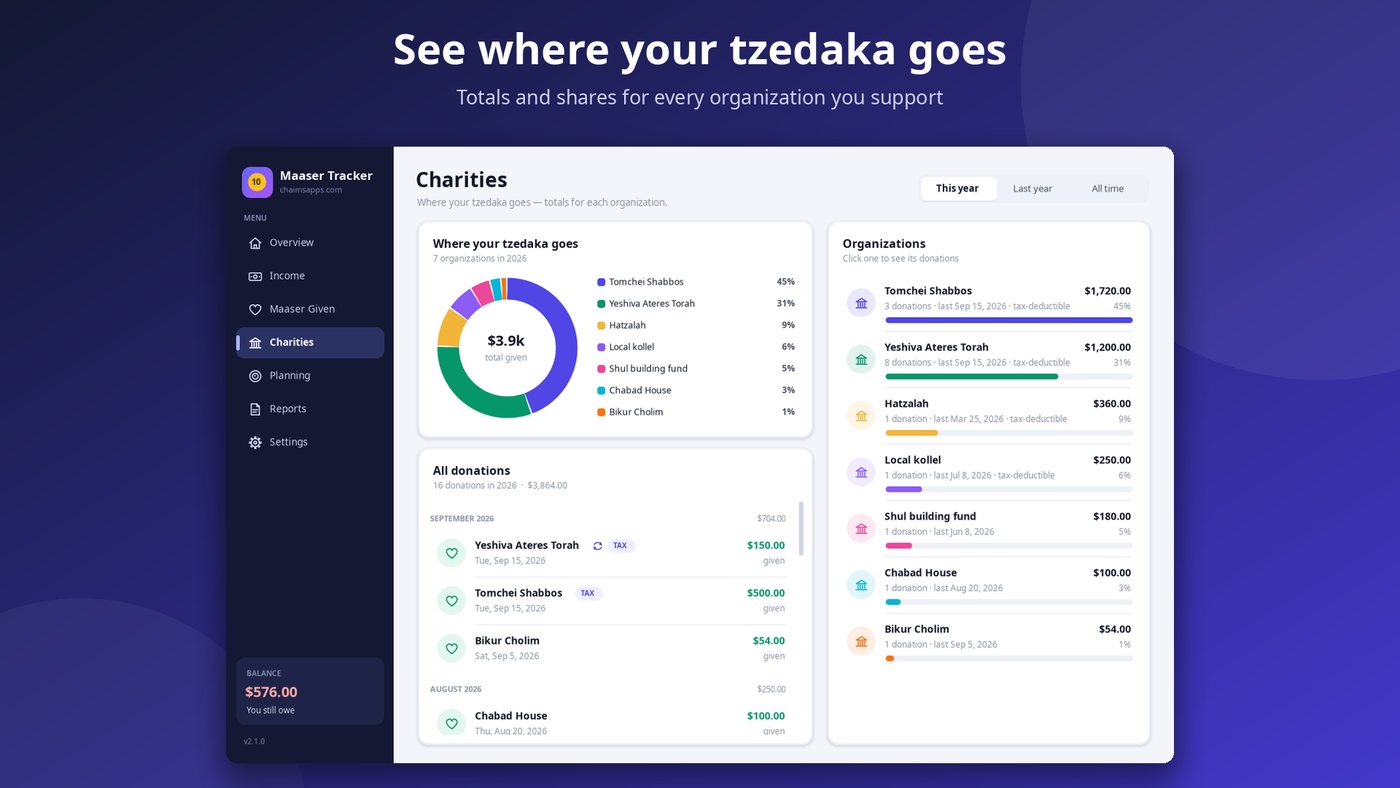
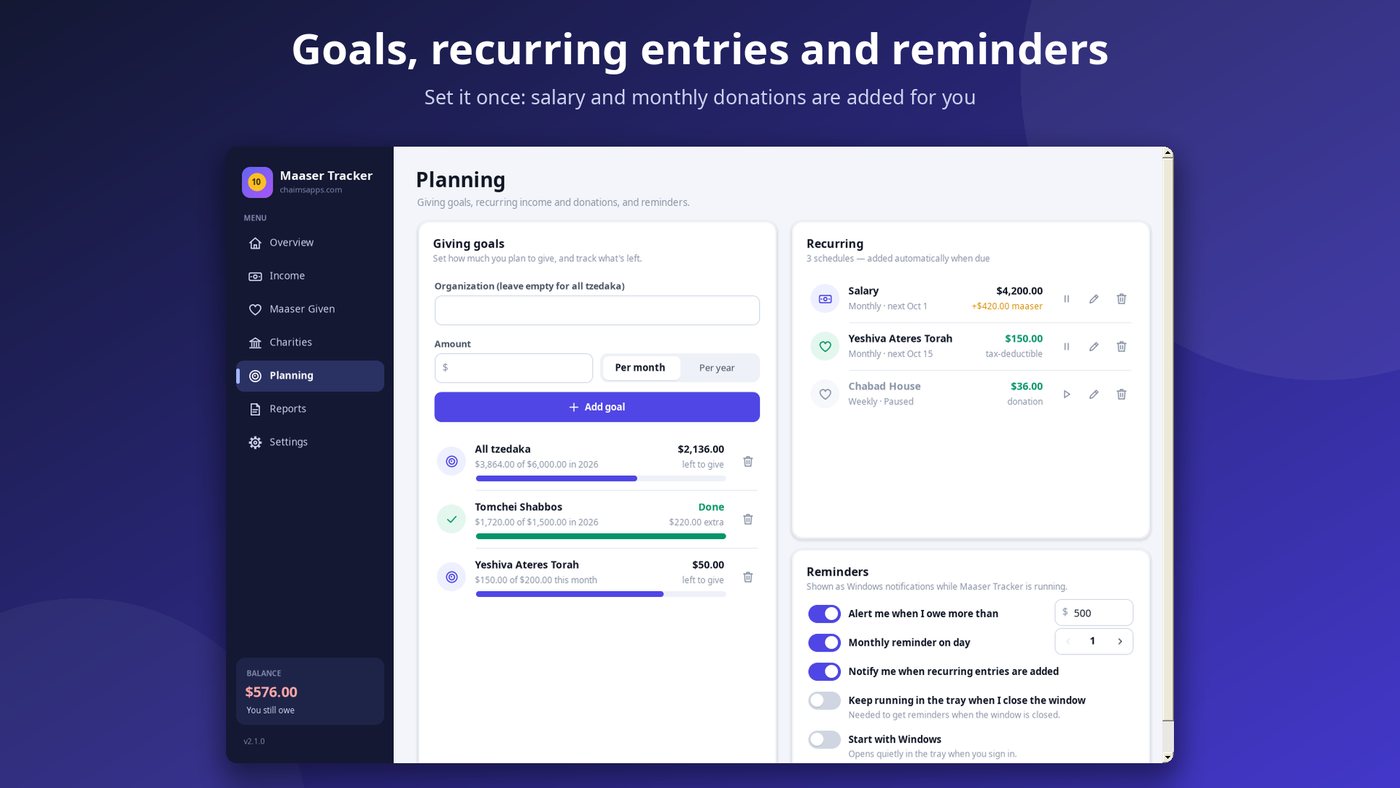
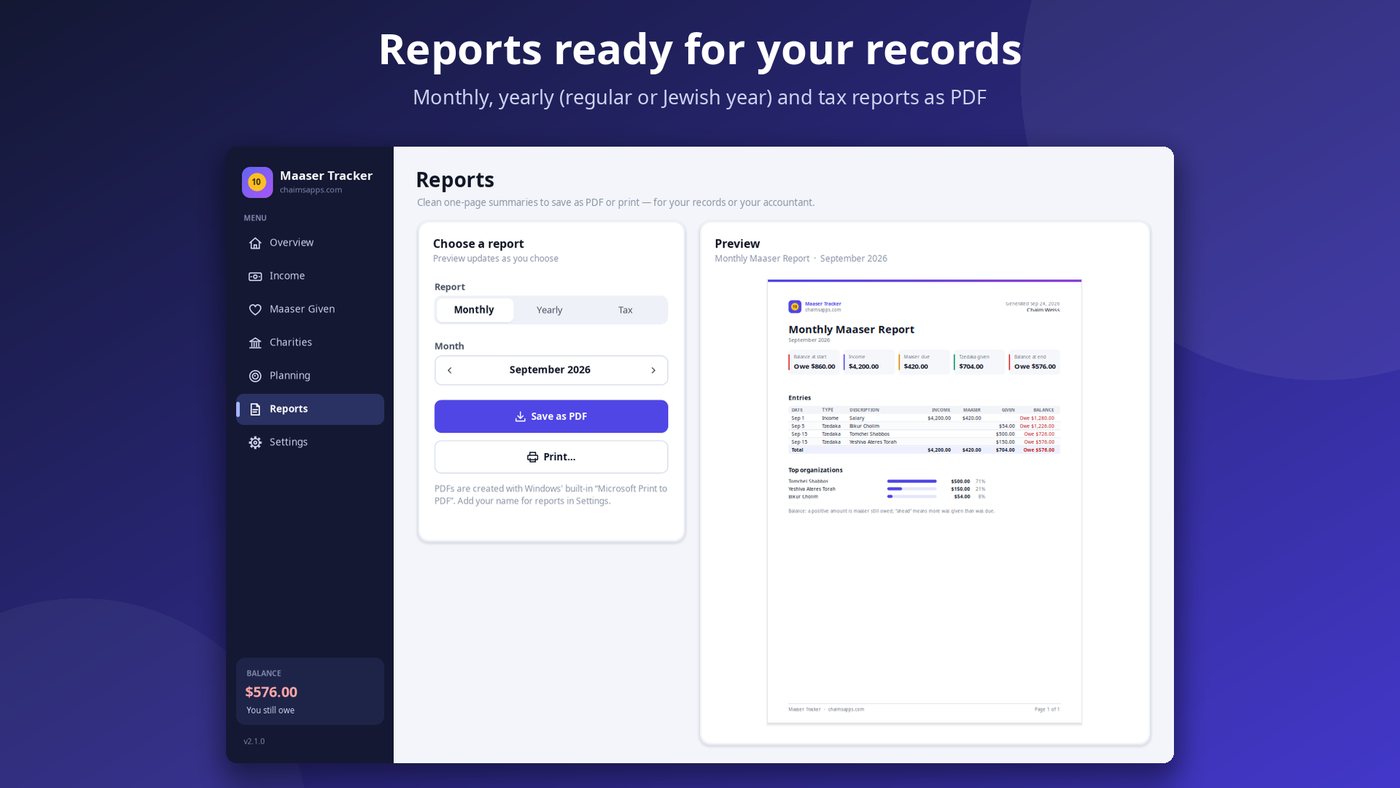
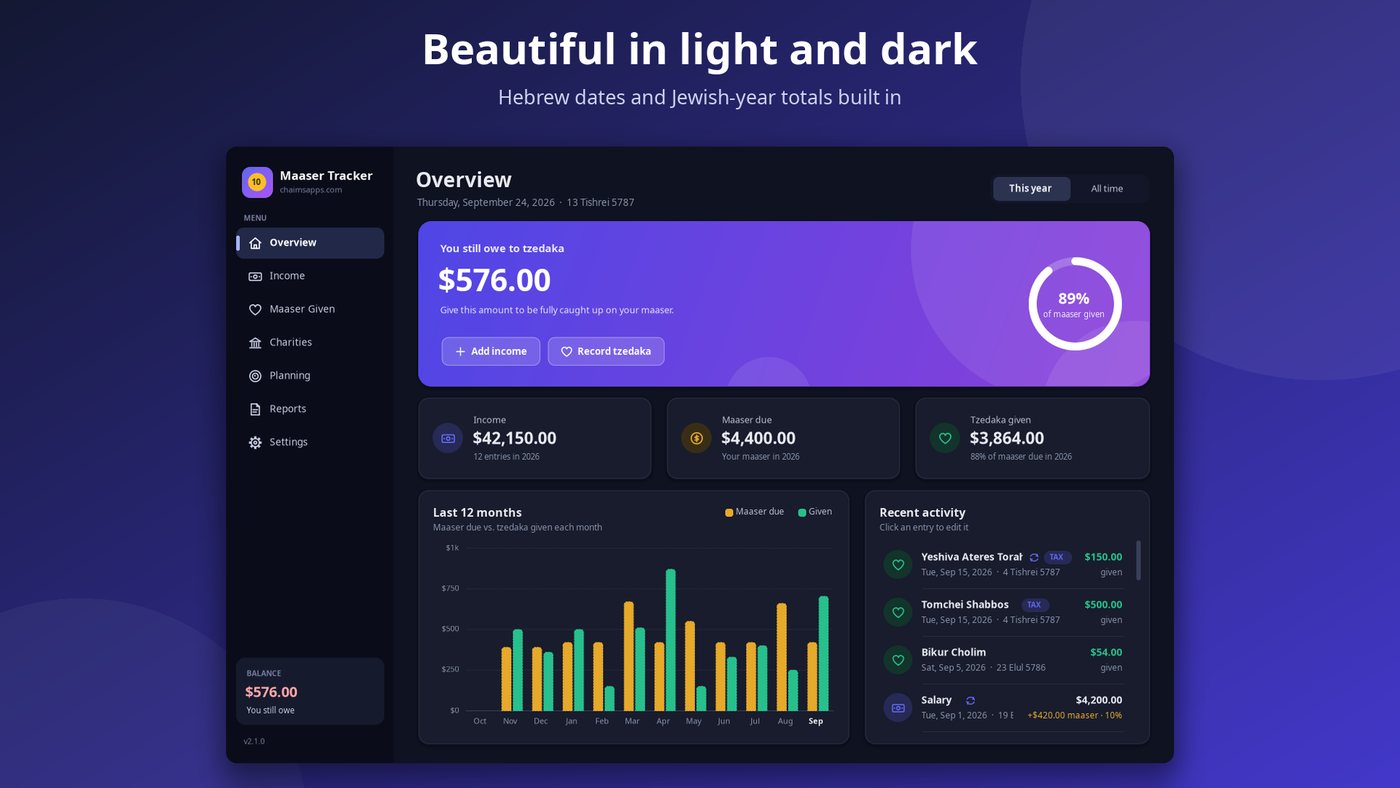
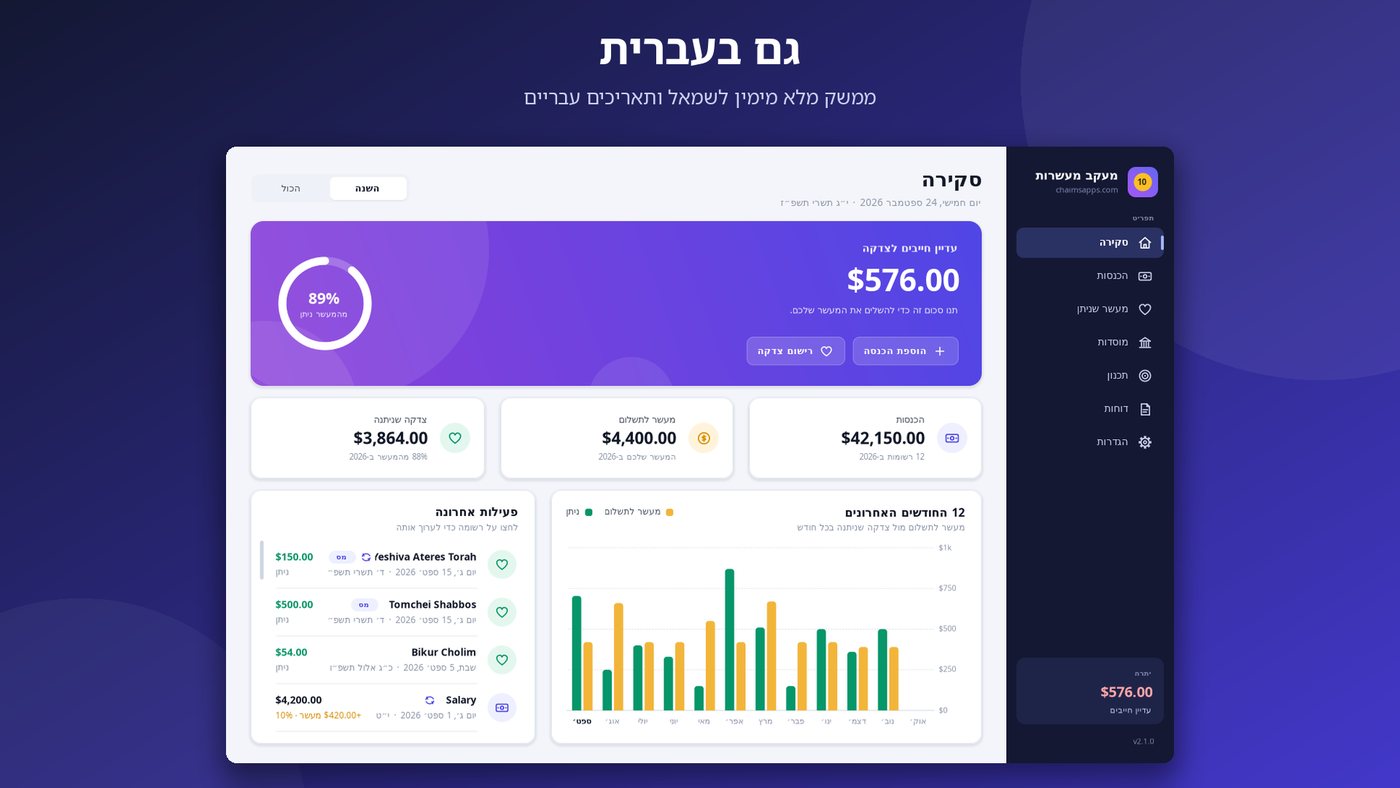
Maaser Tracker makes giving maaser simple. Enter your income and the tzedaka you give, and the app keeps a clear running balance of what you still owe, or how far ahead you are.
Built for anyone who gives maaser kesafim (10%) or chomesh (20%), Maaser Tracker replaces spreadsheets and scraps of paper with a clean, modern app that does the math for you.
Your data stays on your computer, or in your own OneDrive folder if you turn on sync. No accounts, no ads, no tracking. The app works offline, and updates arrive automatically through the Microsoft Store. Read the full privacy policy.
Opinions differ on details such as whether to calculate maaser from gross or net income. Maaser Tracker calculates from the amounts you enter, so you can follow your rav's guidance.
Your balance is your starting balance, plus the maaser due on the income you enter, minus the tzedaka you've given. A positive number is what you still owe; a negative number means you're ahead.
Yes. Choose 10% (maaser kesafim), 20% (chomesh) or a custom percentage on each income entry. You can set your default in Settings.
Opinions differ on whether to calculate maaser from gross or net income. Maaser Tracker calculates from the amounts you enter, so enter income the way your rav tells you.
Your data stays on your computer, or in your own OneDrive folder if you turn on sync. There are no accounts, no ads and no tracking. The app also makes an automatic backup when you close it and daily, in Documents\Maaser Tracker Backups.
Yes. Turn on Settings → Sync across computers to keep your data in sync through your own OneDrive folder.
Yes. Use the CSV import on the Income or Maaser Given page to bring in transactions from your bank or credit-card statements.
Yes. The app is available in English and Hebrew, shows Hebrew dates and Jewish-year totals, and has light and dark modes. Change them in Settings → Appearance and language.
No. It's a record-keeping tool. It doesn't give halachic, tax or financial advice, so please consult your rav or a tax professional.