Email Auto-Domain
Type your email prefix and "@" — the domain fills in instantly. Catches typos, suggests saved domains, and works on any site.
Add to Chrome — it's freeType your email prefix and "@" — the domain fills in instantly. Catches typos, suggests saved domains, and works on any site.
Add to Chrome — it's free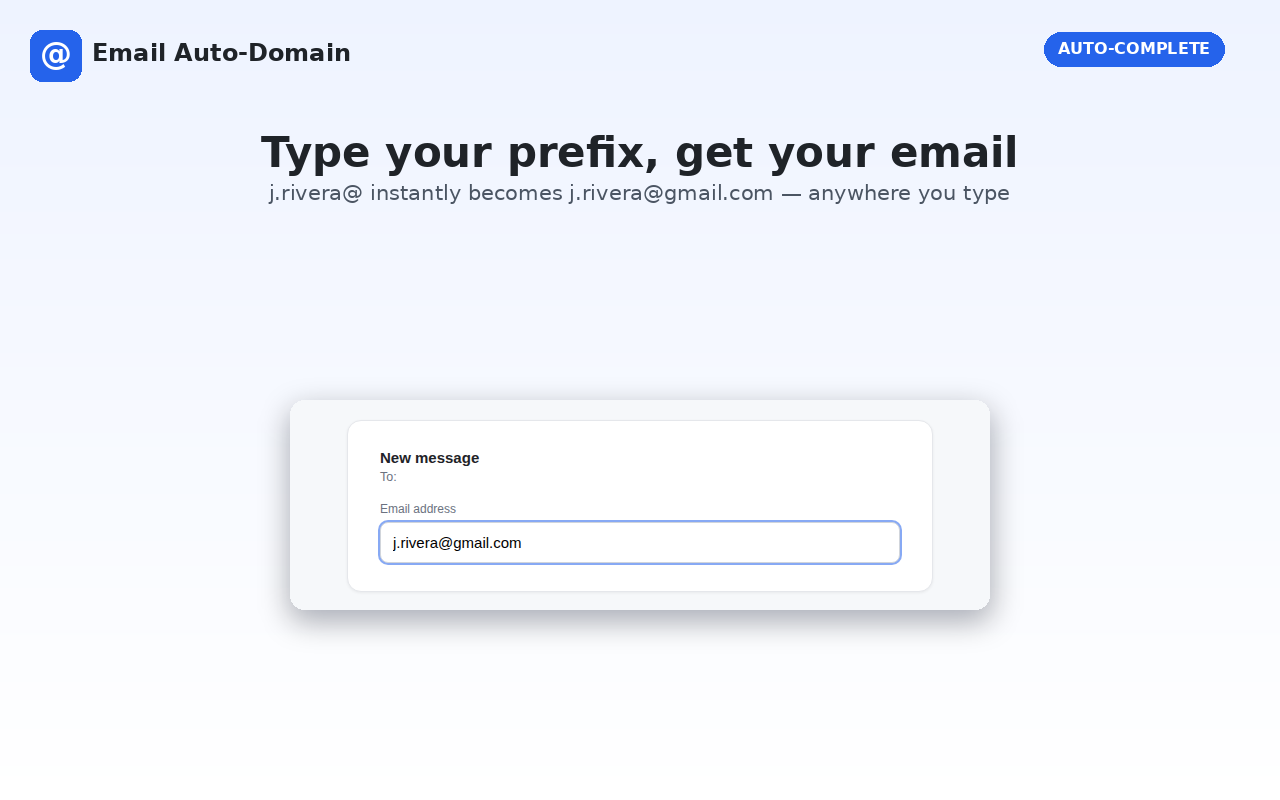
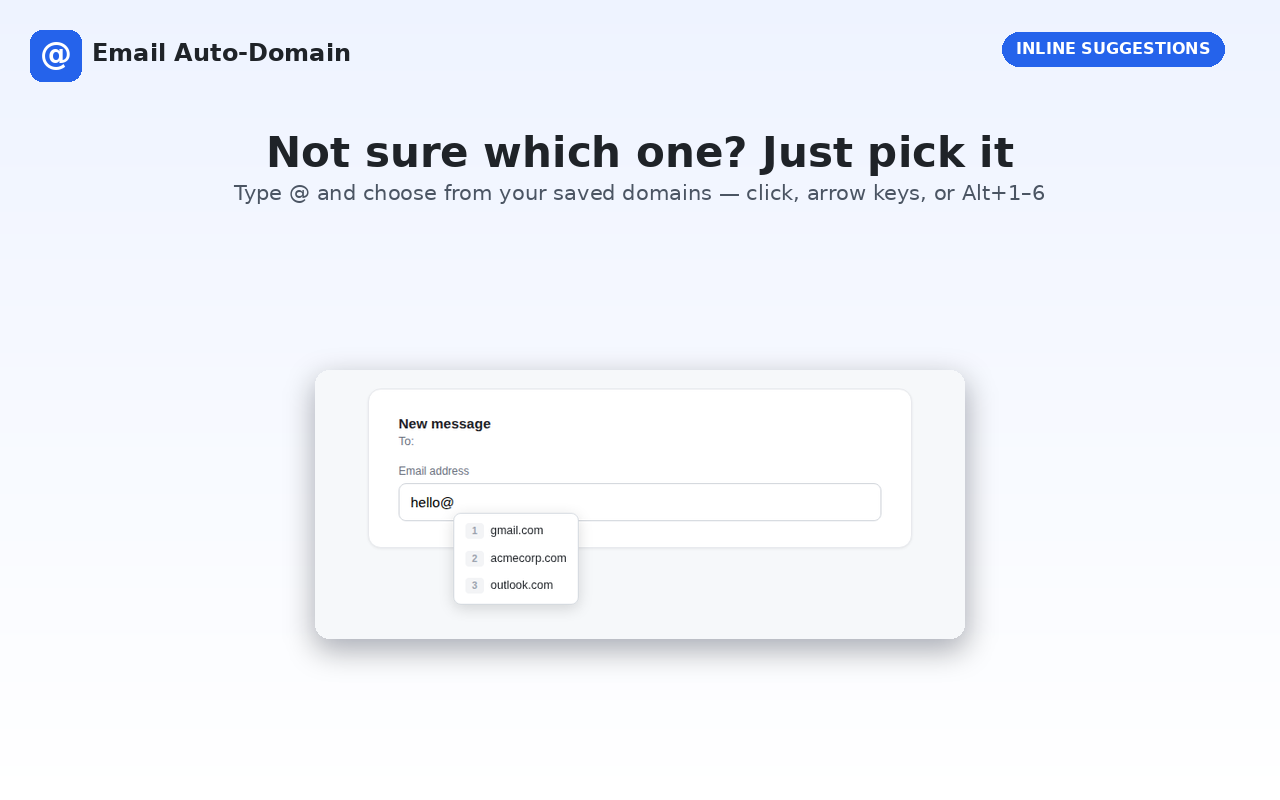
Email Auto-Domain speeds up filling in email fields anywhere on the web. Type a prefix you've used before, followed by "@", and it instantly completes the domain — or shows a quick dropdown of your saved domains if there's more than one match, selectable with Alt+1 through Alt+6.
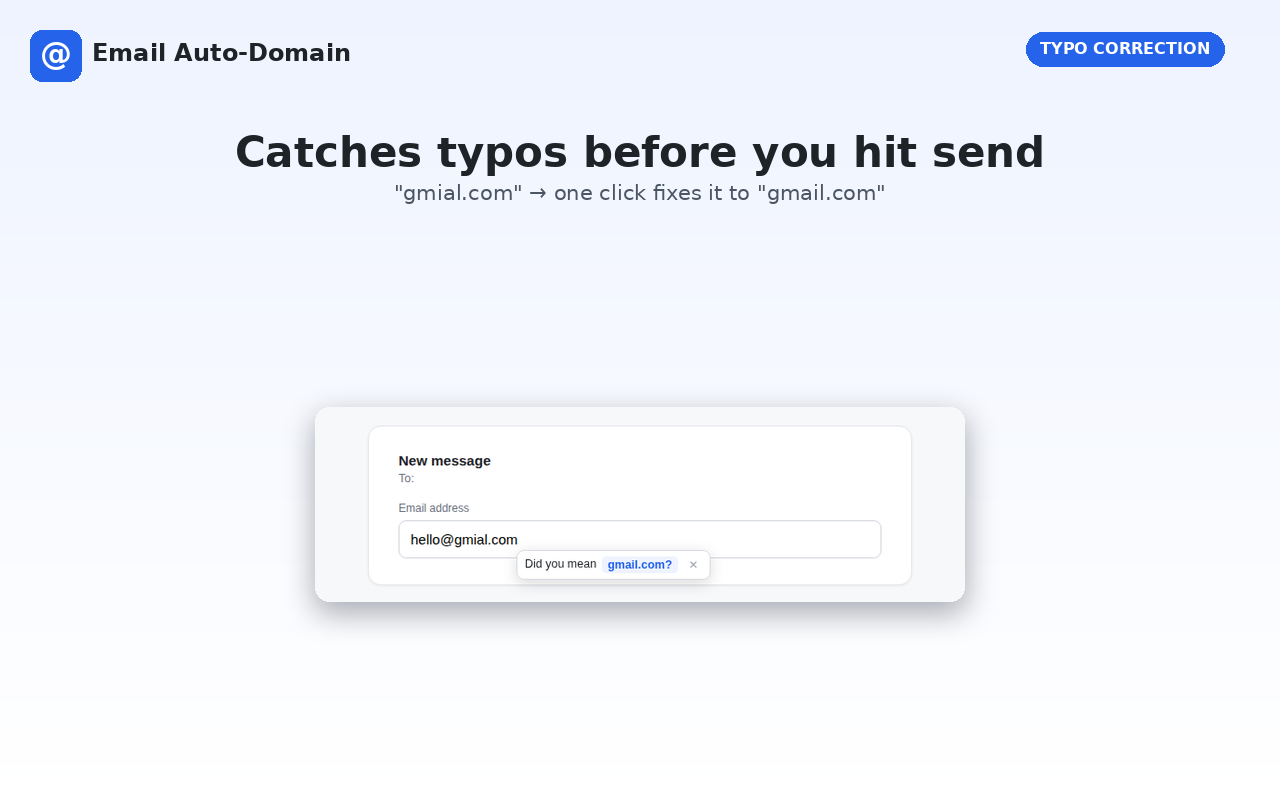
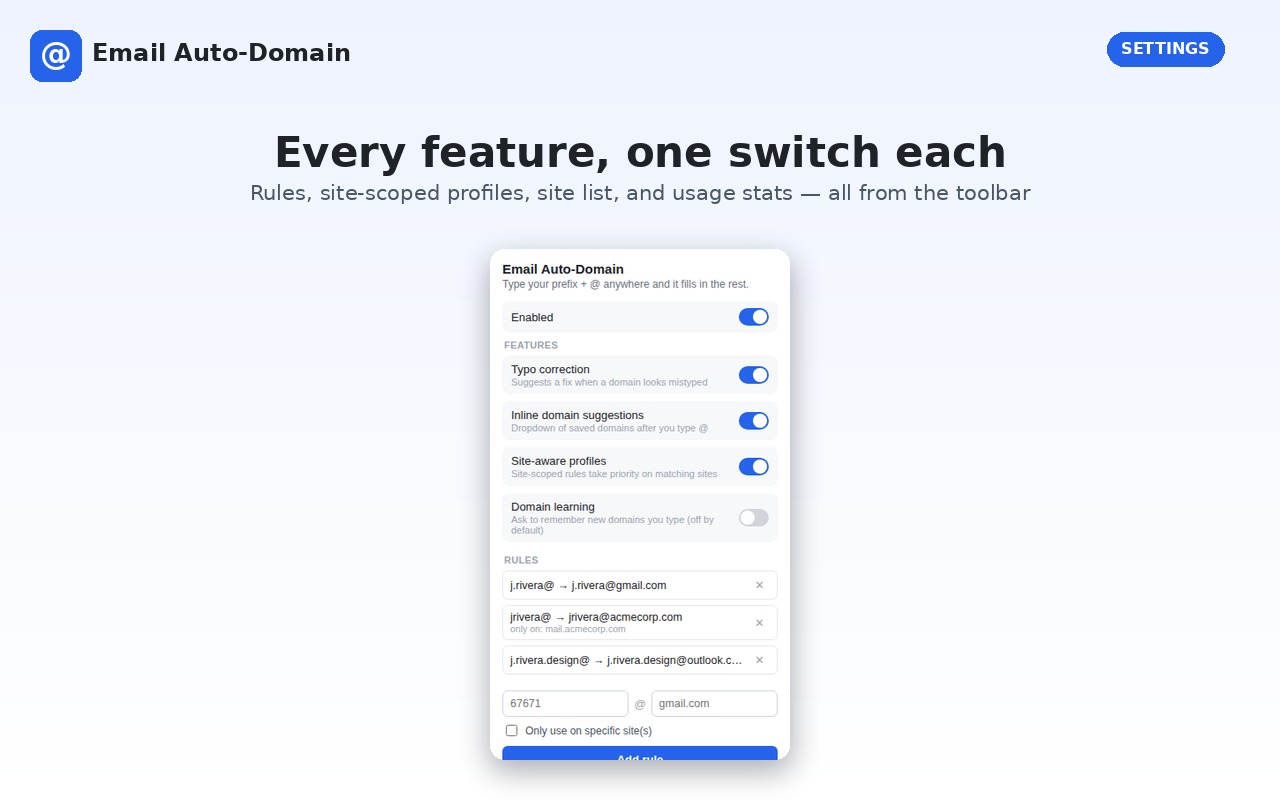
It also catches common typos in popular providers like Gmail, Outlook, and Yahoo before you submit a form, and lets you set up different saved addresses for different websites — handy if you use separate emails for work, personal accounts, or sign-ups.
Type an email prefix you've used before, followed by "@", in any email field on any website. Email Auto-Domain instantly fills in the matching domain, or shows a dropdown of saved domains you can pick from with Alt+1 through Alt+6.
Yes — it recognizes common typos in providers like Gmail, Outlook, and Yahoo and suggests the correct spelling before you submit a form.
Yes. Email Auto-Domain supports site-aware profiles, so you can set up different saved addresses per website, plus an allowlist or blocklist to control exactly where it's active.
No. Email Auto-Domain makes zero network requests — nothing you type is collected, logged, or sent anywhere. All data stays local or in Chrome's own built-in sync, with no third-party involvement.