Copy Without Nikud
Copy selected Hebrew text without nikud (vowel marks) — via right-click or a keyboard shortcut.
Add to Chrome — it's freeCopy selected Hebrew text without nikud (vowel marks) — via right-click or a keyboard shortcut.
Add to Chrome — it's free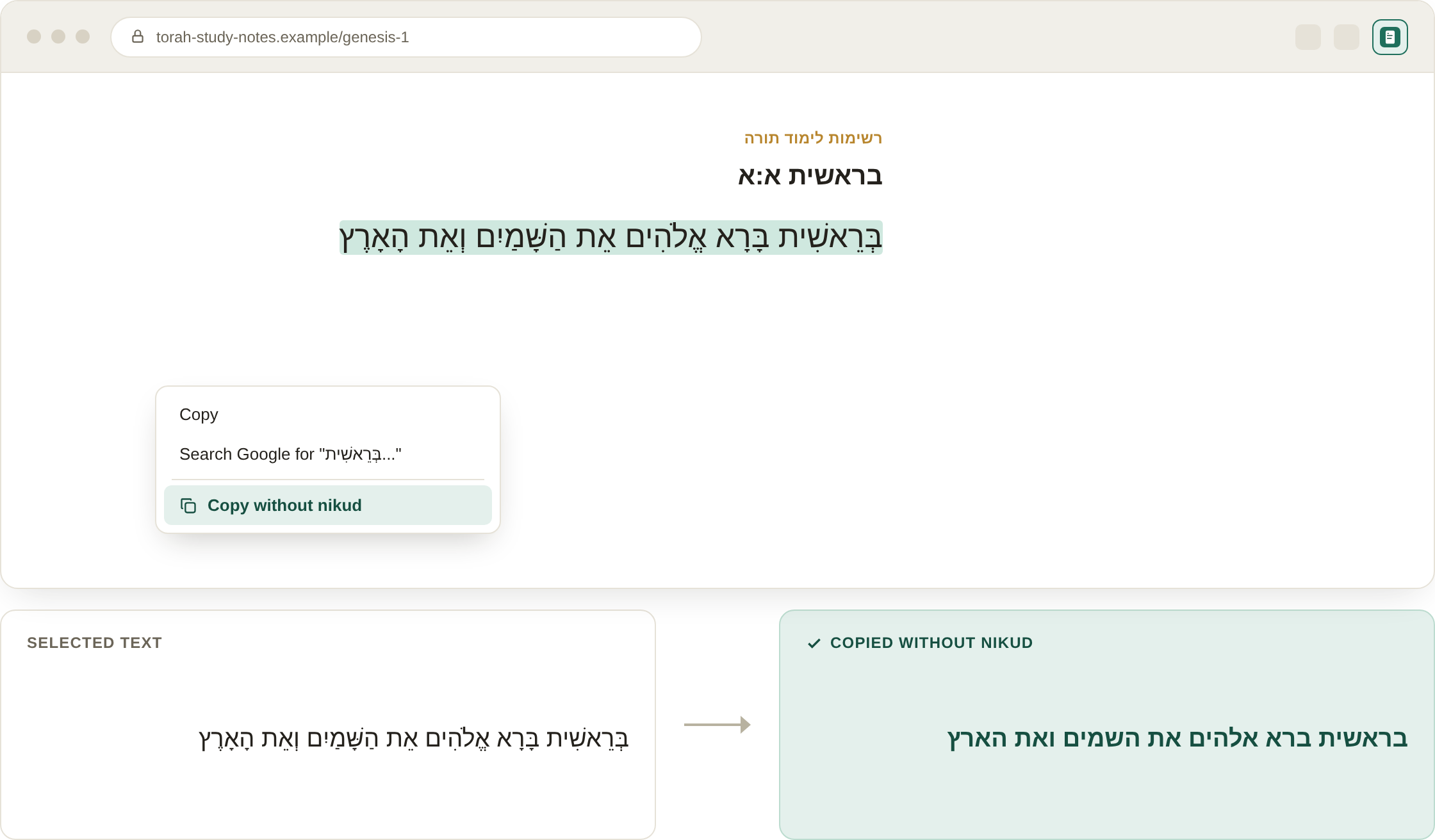
Illustrative mockup of the extension in use — select Hebrew text, right-click, and copy it without nikud.
Copy Without Nikud removes vowel marks (nikud) from Hebrew text the moment you copy it. Select any Hebrew text on a webpage, right-click, and choose "Copy without nikud" — or use the keyboard shortcut — and the plain, unvocalized text lands on your clipboard, ready to paste anywhere.
It's especially handy for educational material, OCR and translation workflows, design and publishing, and simply improving reading fluency in tools that don't render nikud well.
Preparing educational materials, cleaning up text before OCR or translation, improving reading fluency, and design or publishing workflows where clean, unvocalized Hebrew text is needed.